
AI VIDEO PRESENTATION MAKER
AI Video Presentation Maker With Lifelike Avatar Presenters
Turn approved talking points, slide outlines and scripts into presenter-led videos with a lifelike 3D AI avatar.
Combine your message with an AI voice, subtitles and video settings for sales, training, education, internal communication and online events.


DIRECT ANSWER
What Is an AI Video Presentation Maker?
An AI video presentation maker is a tool that turns an approved outline or script into a presenter-led video. It combines an AI avatar, voice, subtitles and visual settings to deliver structured information in a reusable video format.
The tool can streamline production, but the presentation owner should still verify facts, slide content, permissions, pronunciation, accessibility and audience suitability before publication.
CORE BENEFITS
Create Clear Video Presentations With a Consistent Presenter

Lifelike 3D Avatar Presenter
Use a realistic or stylized digital presenter to introduce sections, explain key points and guide viewers through the presentation.
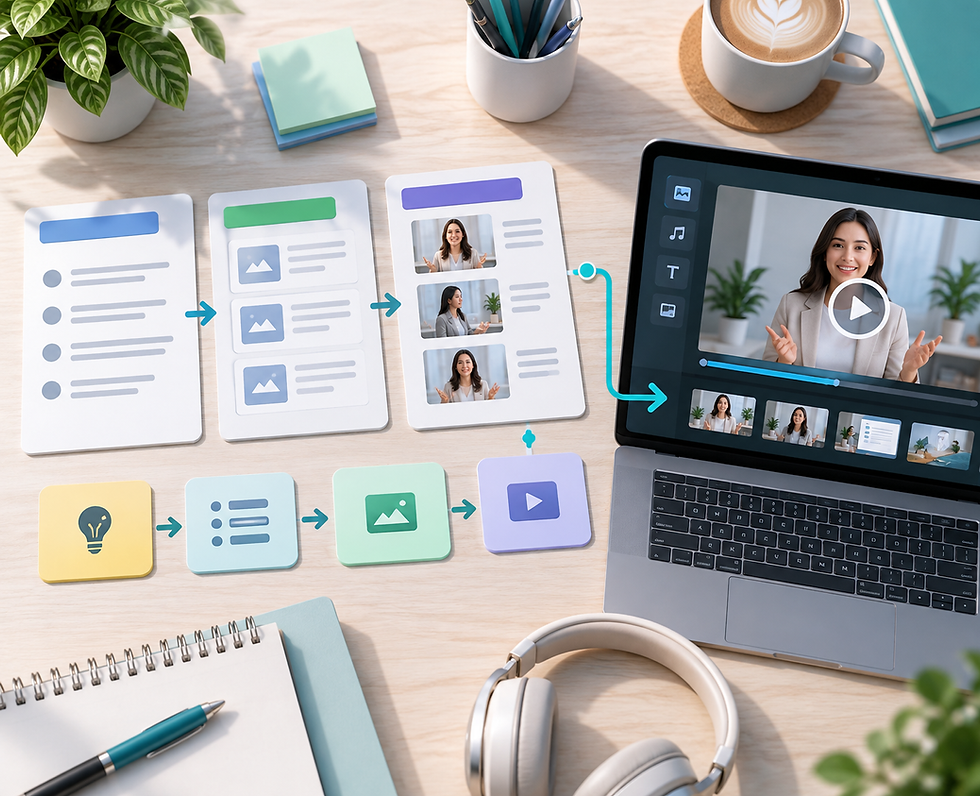
Structured Message Control
Organize the opening, supporting points, examples and conclusion in an approved outline and script before generating the video.

AI Voice and Subtitles
Pair the presenter with a compatible AI voice and subtitles, then review terminology, pronunciation, timing and readability.

Reusable Presentation Versions
Update scripts, languages, presenters or video settings for different audiences while keeping the core presentation structure consistent.
WORKFLOW
How to Create an AI Video Presentation in Four Steps
01
Define the Audience and Outcome
Decide who the presentation is for, what viewers should understand and what action they should take
next.
02
Build and Approve the Narrative
Turn your outline or slide talking points into a clear script with an introduction, logical sections, supporting evidence and
conclusion
03
Choose the Presenter and Settings
Select an appropriate AI avatar, compatible voice, language, video style, resolution and subtitle treatment for the audience and viewing channel.
03
Generate, Review and Export
Check the script, supporting visuals, facts, pacing, pronunciation and captions, then export the approved video
presentation.
USE CASES
What Can You Create With an AI Video Presentation Maker?

Sales and Product Presentations
Present an approved product story, customer value, feature set or proposal with a consistent digital presenter and clear next step.

Training and Onboarding Presentations
Turn approved learning material into structured presenter-led videos for employees, partners, customers or new team members.

Educational Lessons and Lectures
Explain a topic through sequenced sections, definitions, examples and summaries supported by visuals prepared by your team.

Internal Updates and Briefings
Share project updates, process changes, policy reminders or leadership messages in a consistent video format.

Conference and Webinar Content
Create presenter-led introductions, session summaries, pre-recorded segments or follow-up content for online and hybrid events.

Multilingual Presentation Versions
Adapt approved scripts and voice options for different languages, with fluent review of meaning, pronunciation, captions and cultural fit.

RESPONSIBLE USE
Create AI Video Presentations Responsibly
Verify facts, statistics, quotations and product claims before publication. Use authorized media and likenesses, disclose AI-generated presenters where appropriate, review translations and provide accessible captions.
Frequently asked questions
- 01
- 02
- 03
- 04
- 05