
THE EXPERIENCE
A Practical Approach to AI Avatars for Real Estate
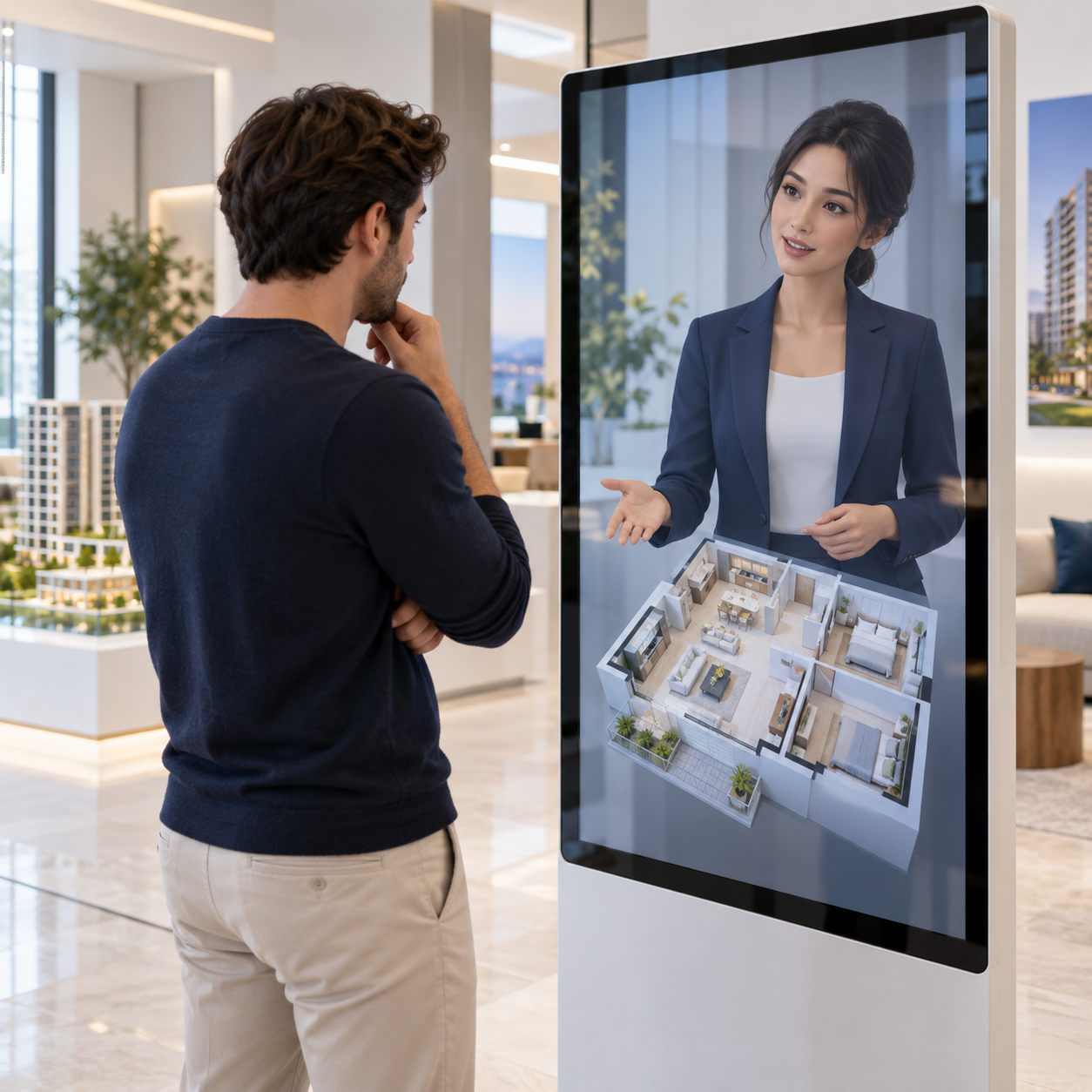
A real-estate avatar turns a property's approved information into a guided conversation. Visitors can ask about layout, amenities and the viewing process without searching across several documents. The content should belong to a specific property or clearly defined portfolio, with an owner responsible for keeping facts current. An avatar cannot reliably promise availability or a viewing time unless the experience is connected to a verified source. Keep negotiation, suitability decisions and legal questions with qualified staff.
PRACTICAL BENEFITS
Design the Experience Around the Task

Listing orientation
Explain the published layout and key features of a named property.

Amenities
Answer questions about documented facilities and access arrangements.

Information You Can Maintain
Build the conversation around approved listing descriptions, floor plans, amenities, viewing instructions and agent contact details. Assign an owner to review changes before they enter the experience.

A Clear Route to People
Use property-related questions and objective information. Do not infer protected characteristics or make housing eligibility decisions.

Choose the First Journey
Start with listing orientation for property seekers and real-estate enquiry teams. Define a useful outcome and the point where the conversation should end or move to a person.

Prepare Approved Sources
Bring together approved listing descriptions, floor plans, amenities, viewing instructions and agent contact details. Resolve conflicting information and document the questions that are outside scope.

Configure and Rehearse
Choose the digital character, conversation style and intended deployment channel. Rehearse the example below, then test incomplete questions, unexpected requests and cases that need staff assistance.

Review Before Expansion
Have the responsible team check the pilot's answers and next steps. Confirm supported features, operating requirements and content ownership before adding more scenarios.
USE CASE SCENARIOS
Six Scenarios to Consider
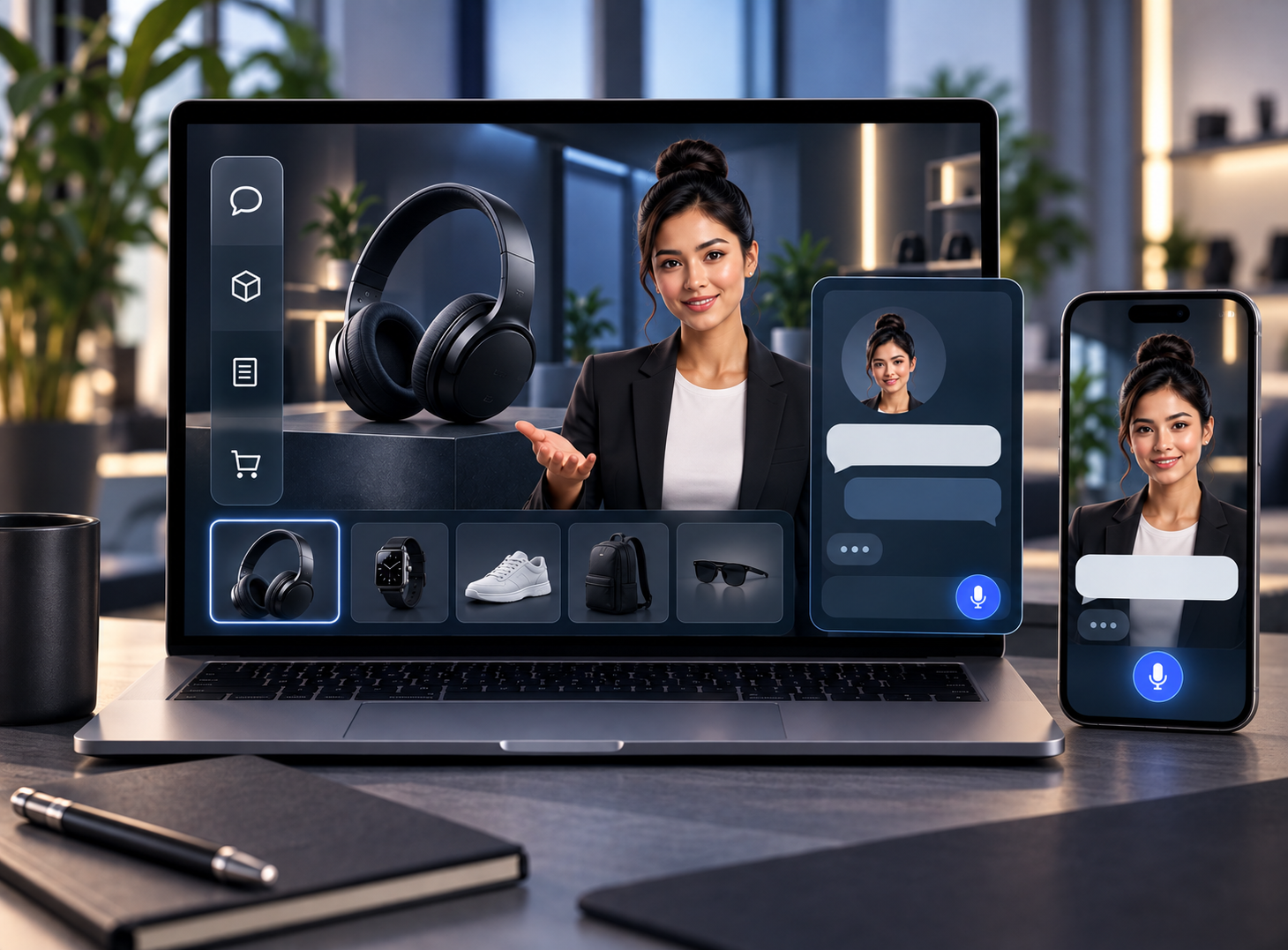
Listing orientation
Explain the published layout and key features of a named property.
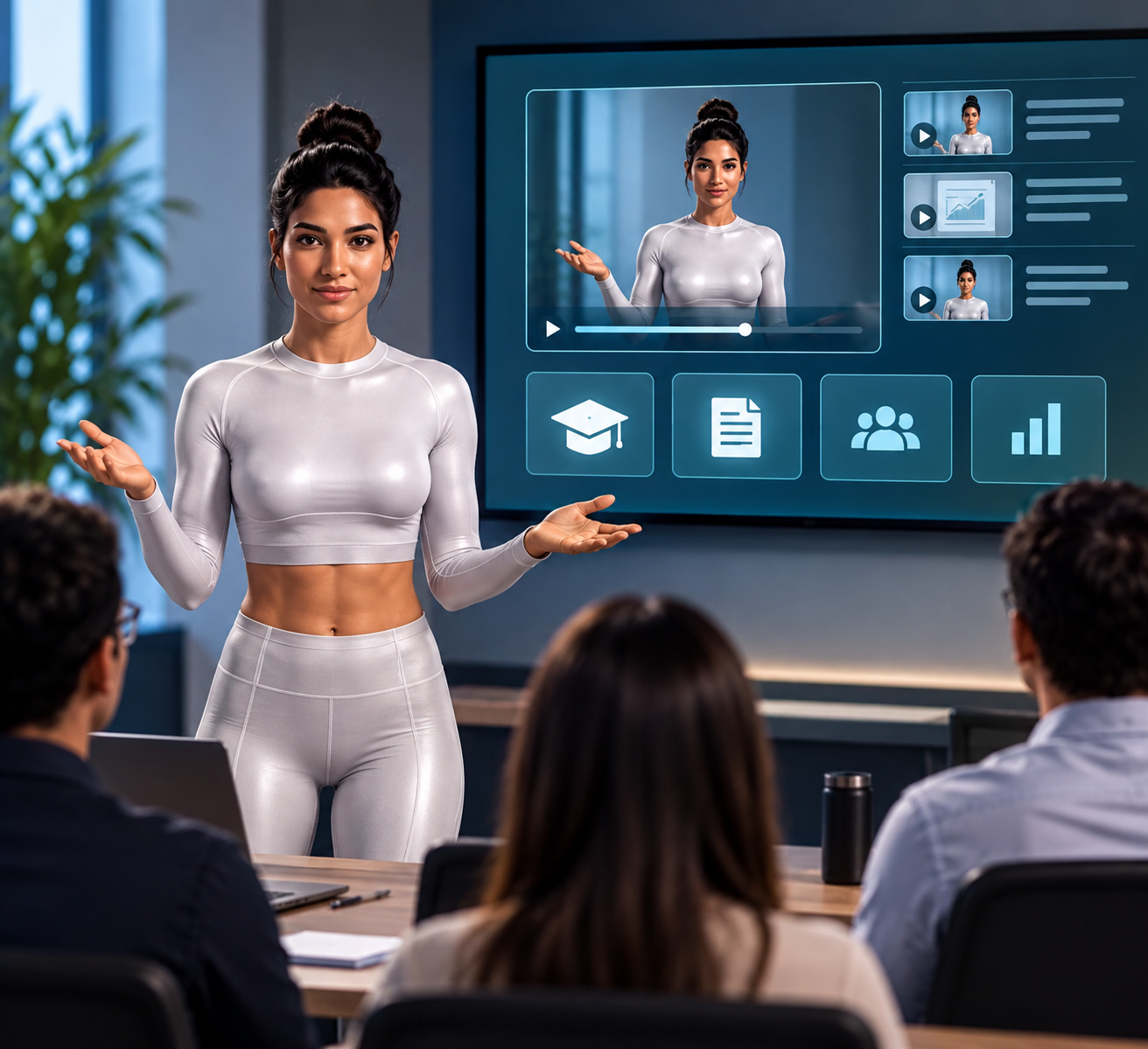
Amenities
Answer questions about documented facilities and access arrangements.
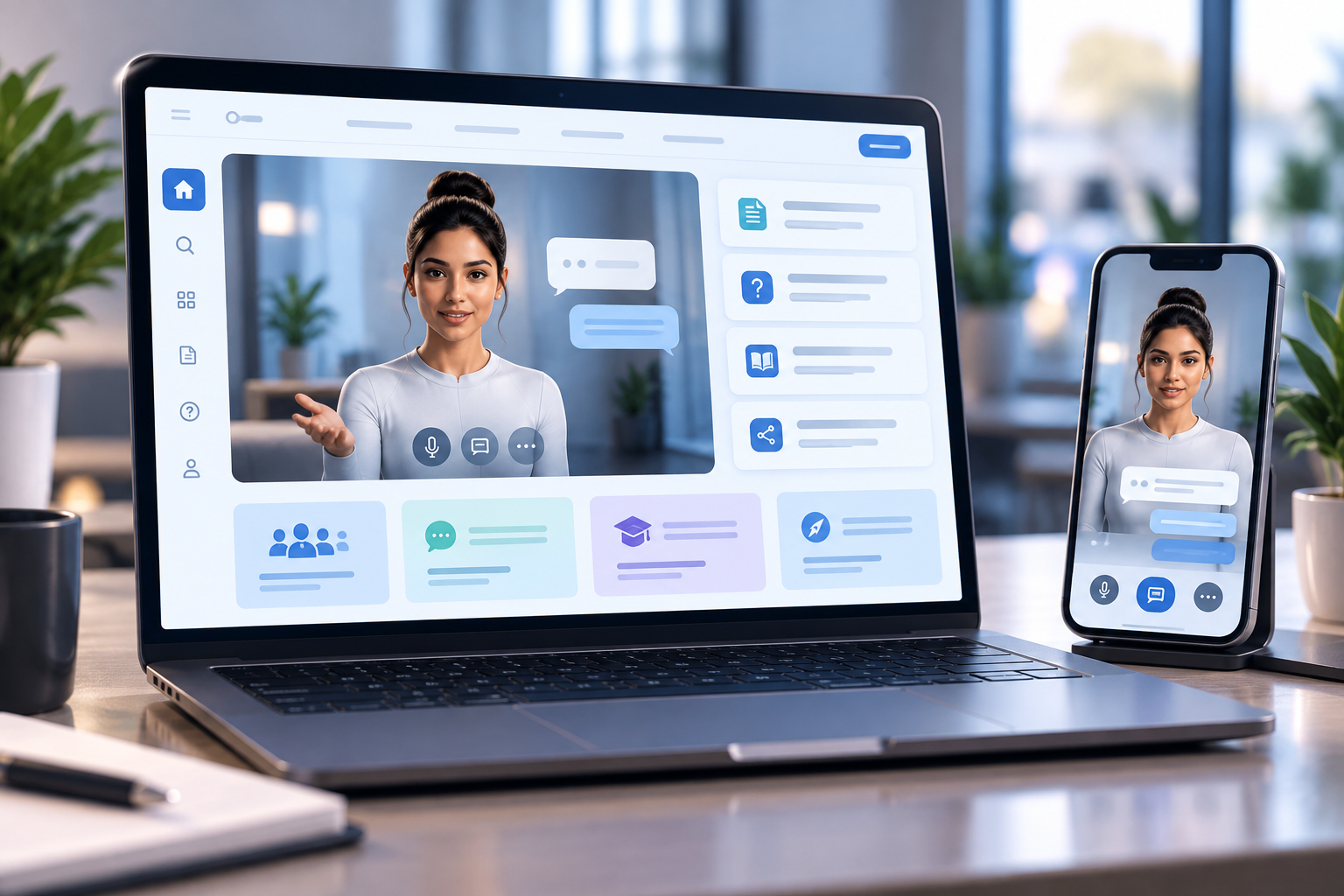
Viewing preparation
Tell visitors what information they need before contacting the viewing team.
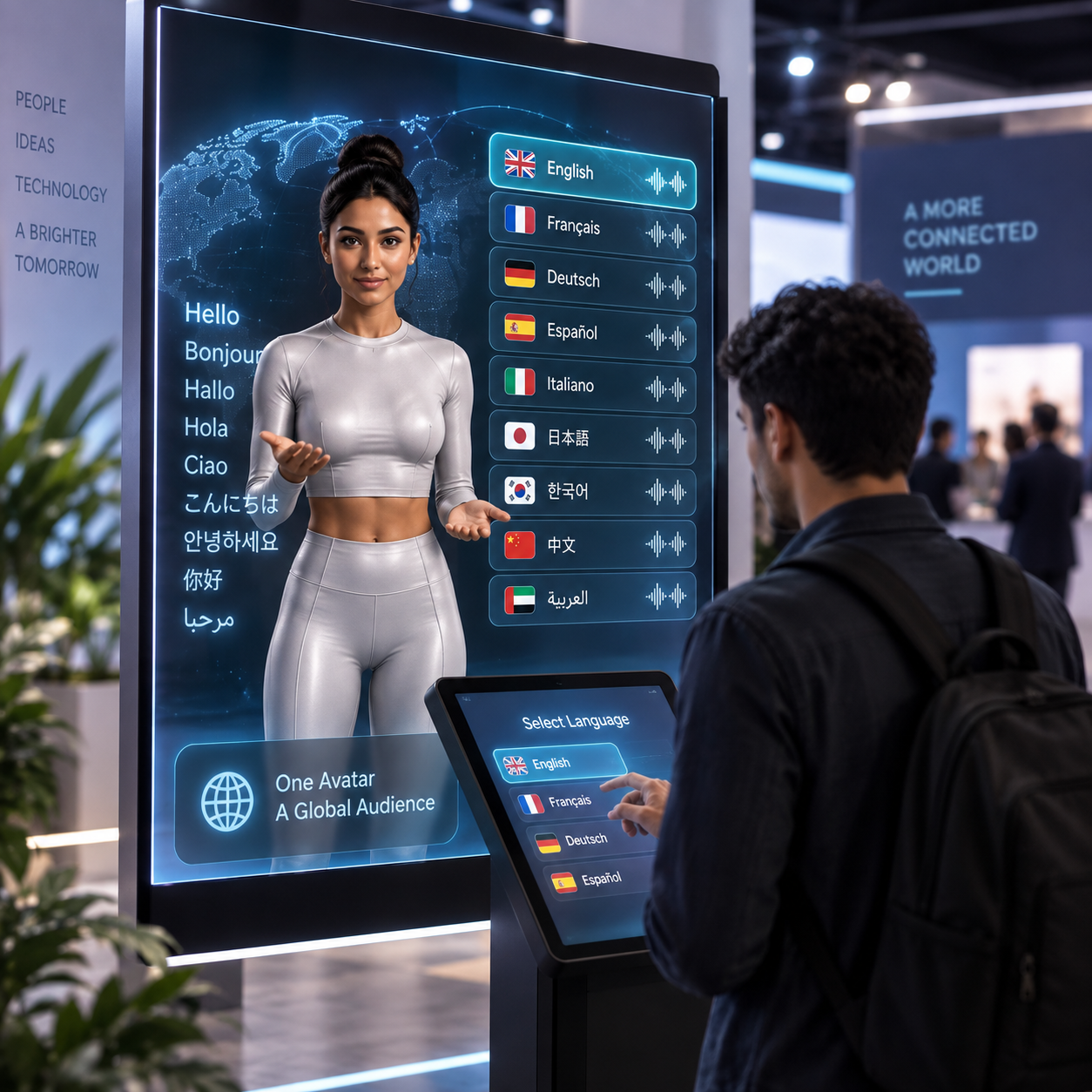
Location context
Present verified location information without inventing travel times or neighborhood claims.

Portfolio navigation
Help visitors find relevant listings using their stated property requirements.

Agent handoff
Direct availability, negotiation and contractual questions to the responsible agent.
IMPLEMENTATION CONSIDERATIONS
Plan the Deployment Around Your Audience
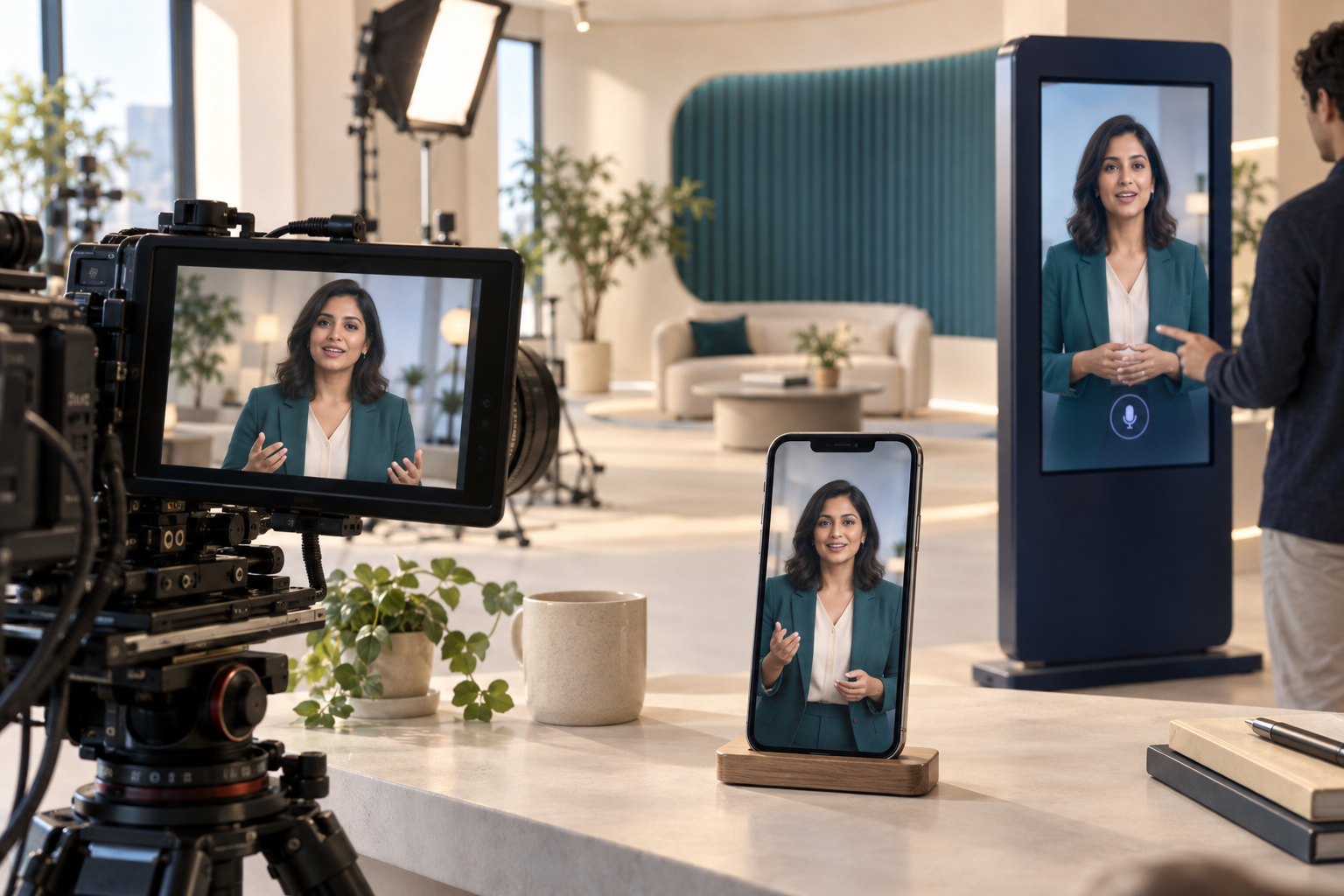
Plan the Deployment Around Your Audience
Choose the touchpoint that serves property seekers and real-estate enquiry teams. Confirm the supported device, voice or text interaction, connectivity and accessible alternatives with Mimic Minds. Account access, booking, recording and other system actions must be separately specified and verified; a conversational presentation alone does not provide those functions.
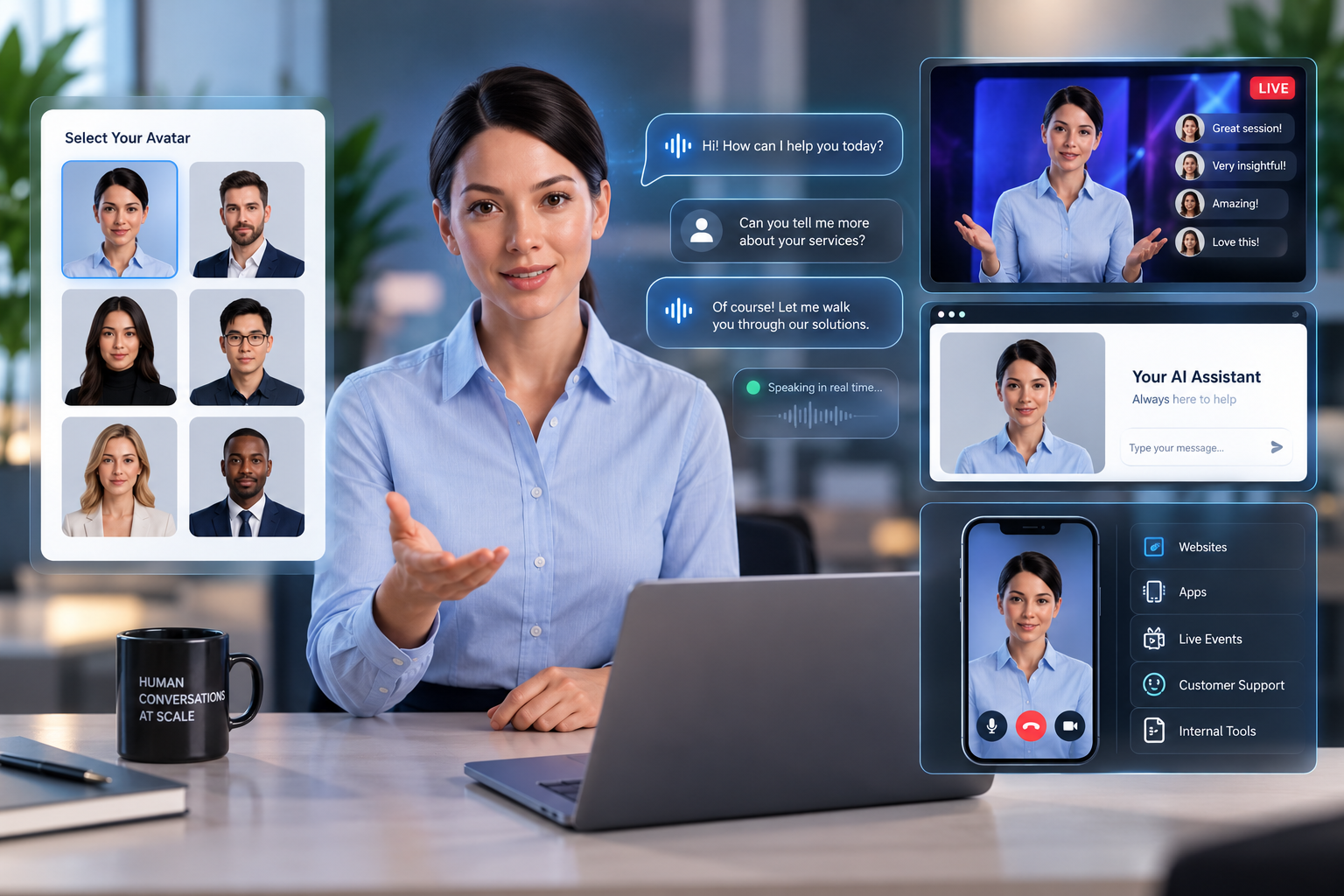
Example in Practice
Illustrative example. A visitor asks whether an apartment has a balcony. The avatar uses the approved listing, offers the floor plan and directs viewing requests to the agent for confirmation.
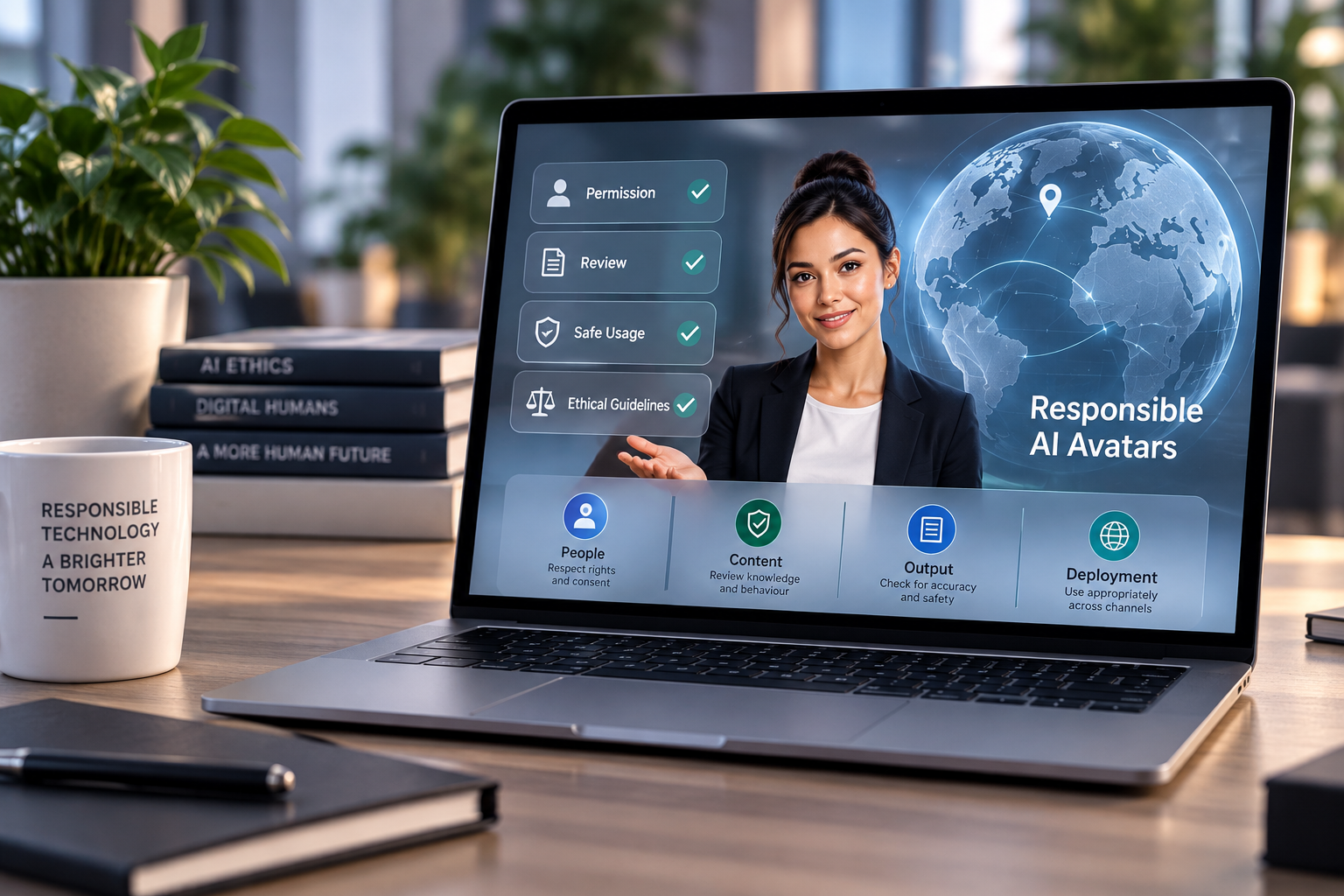
Clear Boundaries and Accountable Content
Use property-related questions and objective information. Do not infer protected characteristics or make housing eligibility decisions.
QUESTIONS AND ANSWERS
Frequently Asked Questions
01
Who is this experience for?
This proposed experience is designed for property seekers and real-estate enquiry teams. Start with a defined task rather than an unrestricted general conversation.
02
What information do we need to prepare?
Prepare approved listing descriptions, floor plans, amenities, viewing instructions and agent contact details. The team responsible for those sources should approve the content and own future updates.
03
Can it confirm availability and book viewings?
Only with a verified data source and booking integration. Otherwise, direct visitors to the listing team for current availability and appointment confirmation.
04
What happens when a question is outside the approved scope?
The experience should acknowledge the limit and point to a relevant person or official resource. Test that behavior with ambiguous questions before launch.
05
How do we begin a pilot?
Choose one of the scenarios on this page, identify the intended audience and deployment channel, and discuss the requirements with Mimic Minds. Confirm available capabilities and review responsibilities before setting the launch scope.
WHY MIMIC MINDS
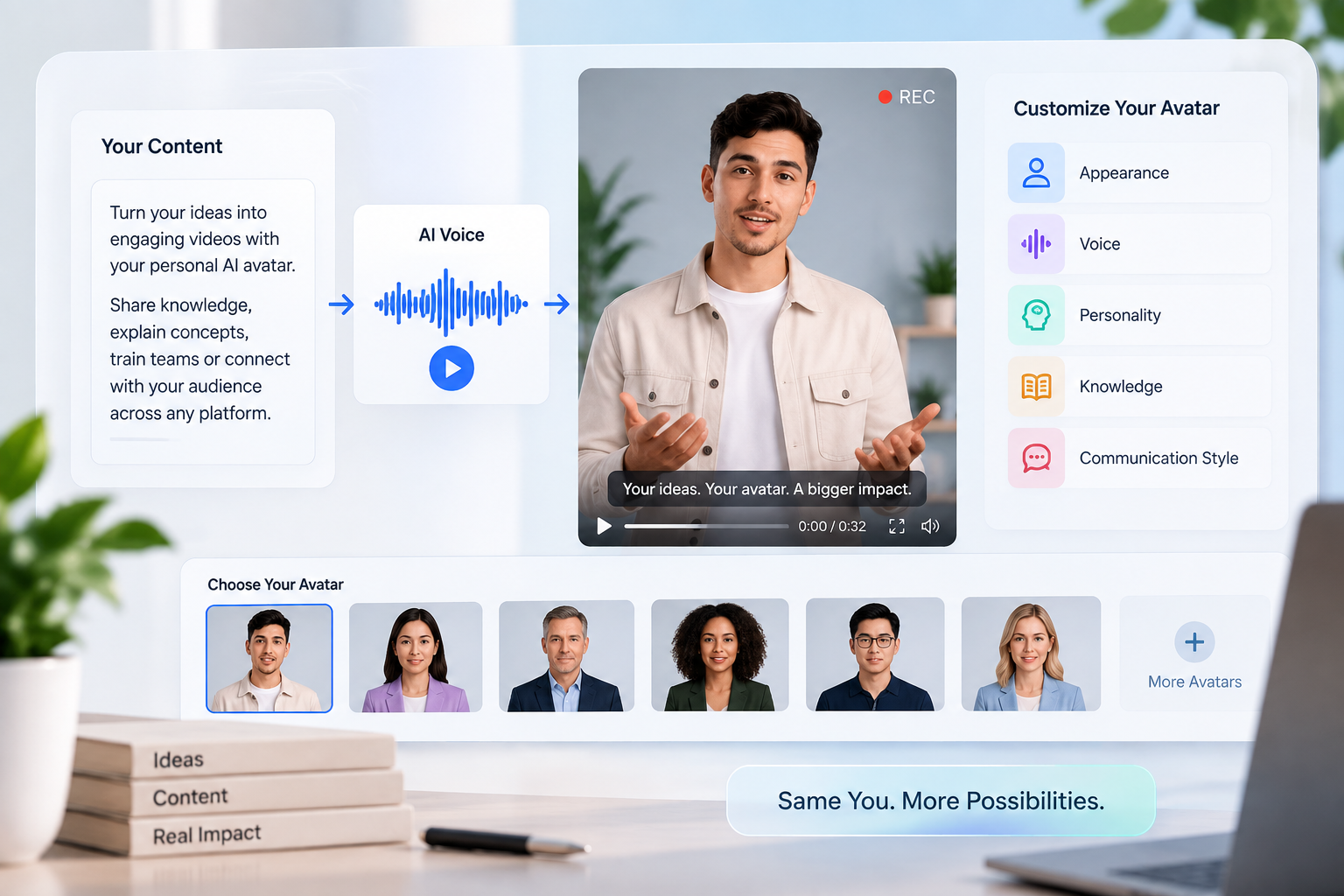
Mimic Minds combines digital-human presentation with conversational experiences. For ai avatars for real estate, start with the task and the approved knowledge, then choose a character and communication style that help the audience understand what to do next. Review the pilot with the people responsible for the information before increasing its scope.
Character Design with a Defined Purpose
01
Custom Character Creation
Develop photorealistic digital humans, stylized characters, virtual celebrities and interactive mascots.
02
Expressive Performance
Combine natural speech, facial expressions and gestures with real-time character behaviour.
03
Brand and Story Consistency
Maintain approved character details, personality and visual identity across every interaction.
04
Approved Knowledge
Connect selected content, event information and community resources to the avatar.
05
Live and On-Demand Experiences
Use the same character during live events, streaming experiences and always-available fan interactions.
06
Cross-Platform Deployment
Adapt the character for streaming, websites, mobile apps, kiosks, games and XR.
Responsible Fan Interaction
Built for Safe, Controlled and Transparent Engagement

Clear AI Identity
Tell fans that they are interacting with an AI-powered digital character.

Authorized Character Use
Use only approved names, likenesses, voices, stories and brand assets.

Defined Conversation Boundaries
Set clear rules for sensitive topics, restricted questions and unsuitable requests.

Age-Appropriate Experiences
Adapt language, moderation and access controls for the intended fan community.

Privacy-Conscious Personalization
Use only appropriate and permitted fan information for the selected experience.

Human Oversight
Provide moderation, escalation and human review for sensitive or unexpected interactions.
Frequently asked questions
- 01
- 02
- 03
- 04
- 05