
AI AVATAR CREATOR
AI Avatar Creator for Lifelike Digital Humans
Create a realistic or stylized AI avatar with a customizable appearance, voice, personality and behavior designed around your identity or brand.
Use your avatar in videos, websites, mobile apps, training, customer experiences, social content, events and immersive platforms.


DIRECT ANSWER
What Is an AI Avatar Creator?
An AI avatar creator is a tool for designing and customizing a digital character that can represent a person, brand or role. Users can shape the avatar's appearance, clothing, voice, personality and behavior, then prepare it for videos or interactive experiences.
Unlike a static profile image, an AI avatar can speak, move, present information and, when connected to conversational AI, respond to users in real time. Mimic Minds supports realistic and stylized avatars for creators, businesses and enterprise teams.
CORE BENEFITS
Create an AI Avatar That Looks, Speaks and Acts on Brand

Custom Appearance
Adjust facial features, body proportions, skin tone, hair, clothing and visual style to create a distinctive digital character.
Voice and Personality
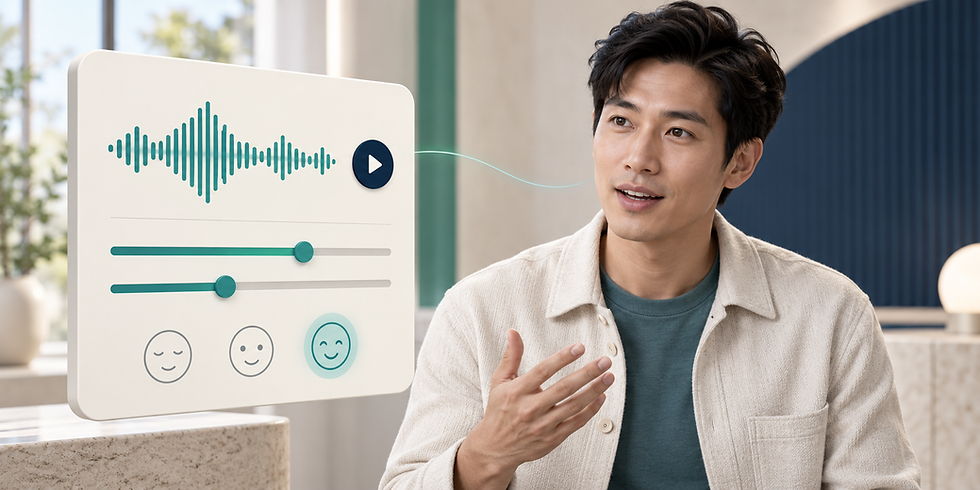
Define how your avatar sounds, communicates and behaves so its delivery matches the intended audience and purpose.

Video and Real-Time Interaction
Use an avatar for presenter-led videos or connect selected characters to conversational AI for live voice and text interaction.

Multi-Platform Deployment
Prepare the same digital identity for websites, applications, social content, events, XR and enterprise experiences.
WORKFLOW
How to Create an AI Avatar in Four Steps
01
Choose or Import a Character
Start with an available avatar, a custom character direction or an approved 3D model that represents your idea or brand.
02
Customize the Appearance
Shape facial features, body proportions, hair, clothing and visual style to create the required look.
03
Add Voice and Personality
Choose a voice and define personality, behavior and knowledge based on how the avatar will communicate.
04
Create and Deploy
Use the finished avatar in videos or prepare it for websites, applications and interactive experiences.
USE CASES
What Can You Build With an AI Avatar Generator?

Marketing and Brand Content
Create a consistent digital spokesperson for campaigns, product communication, presentations and branded videos.

Website AI Assistants
Add a talking AI avatar to a website to explain services, answer relevant questions and guide visitors.

Training and Education
Develop digital instructors, coaches and presenters for onboarding, learning modules and knowledge delivery.

Customer and Sales Experiences
Use an interactive avatar for product guidance, lead qualification, customer support and service navigation.

Events and Immersive Experiences
Deploy digital humans in exhibitions, kiosks, XR environments, virtual events and interactive installations.

Creators and Virtual Influencers
Build recognizable digital personalities for social content, entertainment, community engagement and ongoing storytelling.

RESPONSIBLE USE
Create AI Avatars Responsibly
Use a person's image, likeness or voice only with appropriate permission. Review avatar behavior, knowledge, claims and generated output before deployment. Define who can use the character, what it may communicate and where it can appear.
WHY MIMIC MINDS
Why Create AI Avatars With Mimic Minds?
Mimic Minds combines AI technology with experience in digital humans, facial animation, character development and real-time interaction. This creates a stronger foundation for avatars that need to look believable, communicate clearly and work across professional use cases.

Digital Human Expertise
Create realistic or stylized characters informed by professional experience in 3D character design, facial detail and animation.

Real-Time Conversational AI
Connect selected avatars with LLMs, speech-to-text and text-to-speech pipelines for natural voice and text interaction.

Custom 3D Character Options
Develop a distinctive digital human, brand character or imported 3D model when a standard avatar is not enough.

Connected Creation Platform
Manage avatars, videos, widgets, interactions and deployment through the broader Mimic AI Studio environment.
Frequently asked questions
- 01
- 02
- 03
- 04
- 05